Loading workspace
Preparing the current application view.
Preparing the current application view.
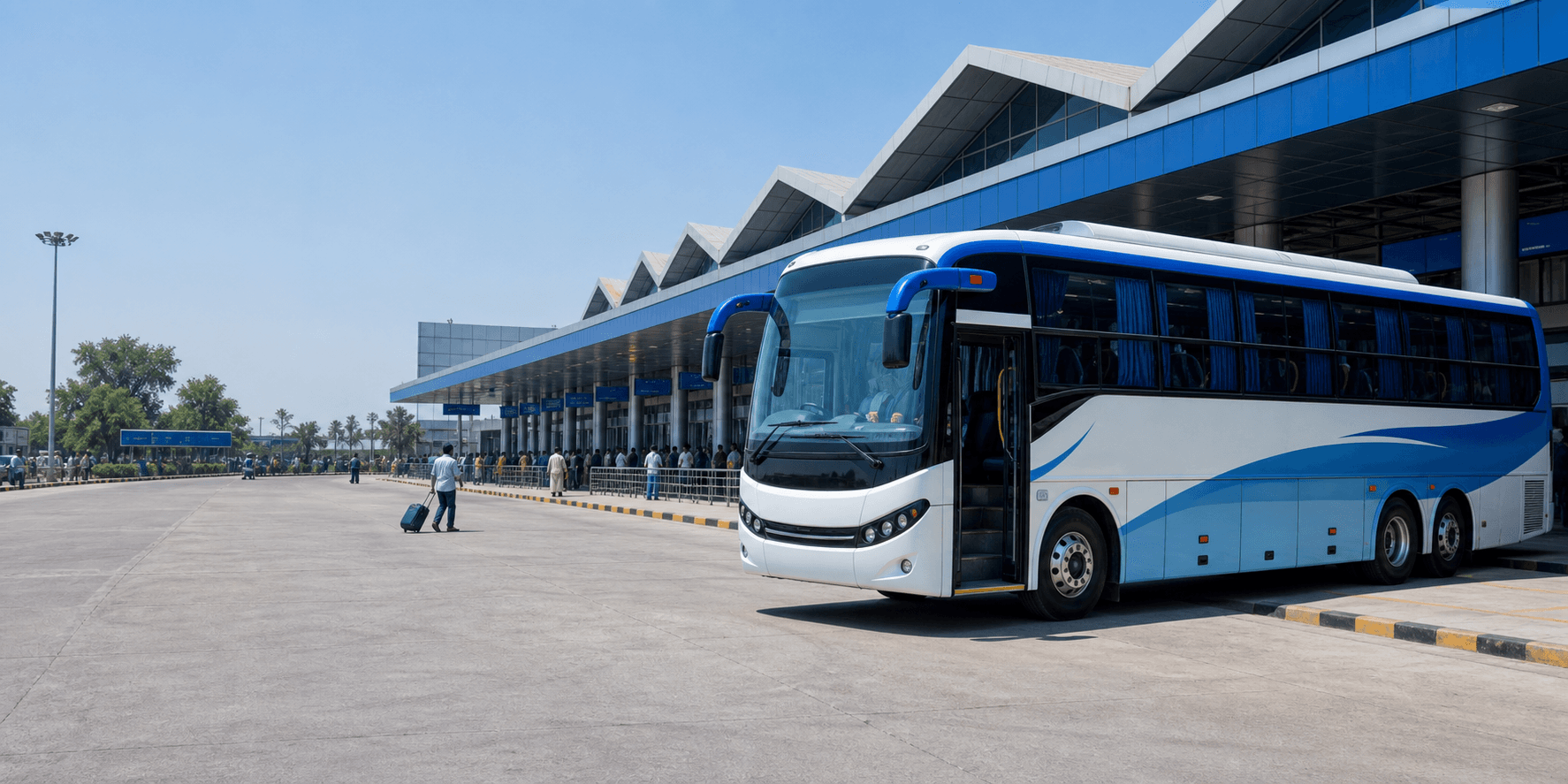
Search routes, choose seats, add passenger details, and receive ticket and invoice actions from one clean booking flow.
Live
operator seat maps
PNR
e-ticket by email
GST
tax invoice
Choose your route and journey date from a clean booking form.
Pick available seats and continue with boarding and dropping points preselected.
Confirmed bookings generate ticket and invoice actions for customers.
Seat maps, fares, and boarding points come live from the bus operator.
Ticket, invoice, refund, and boarding-point help stays easy to find.
About Us
The customer path keeps each choice clear and avoids unnecessary dashboard-style controls.
Route, destination, and date stay visible at the start.
Default stops help customers continue after selecting seats.
Trip, passengers, and fare are separated into simple sections.
Tickets and invoices are available from completed bookings.
Customers can raise ticket, invoice, refund, and boarding questions.
How it works
Search a route, choose a seat, and confirm the booking.
Enter from, to, and journey date.
Choose your seat and continue.
Confirm booking and download ticket or invoice.
FAQs
A few common ones. The full list is on our FAQs page.
Mobile booking touchpoints will follow the same simple search, seats, and ticket flow.
